
Chemical dosage for any pool.
Pick what to adjust, enter current and target readings, and get exact dosing in oz, fl oz, or pounds. Covers free chlorine, pH, alkalinity, calcium hardness, CYA, and salt.
Work out the dose
Pool + reading
What needs adjusting?
Industry standard math from NSPF / pool service references. Real world dosing varies with source water and TA. Re test 30 minutes after dosing and adjust.
Recommended dose
For a 20,000 gallon pool to reach 3 ppm free chlorine from 1 ppm, add:
Recommended
Calcium hypochlorite (cal hypo, 65%)
Raises calcium hardness slightly. Best for dry storage.
4.9 oz
Liquid chlorine (12.5% sodium hypo)
Raises pH slightly short term. No CYA.
4.3 fl oz
Trichlor (90%)
Adds ~0.6 ppm CYA per ppm FC. Lowers pH.
3.5 oz
Dichlor (56% / 62%)
Adds ~0.9 ppm CYA per ppm FC. pH neutral.
5.7 oz
Want this on every visit?
PoolStack auto calculates from each reading + pool size.
About this calculator
How dosing is calculated
Each chemical changes a target reading by a known amount per ounce, fluid ounce, or pound per 10,000 gallons. Calculations scale linearly with pool volume. Source values come from NSPF and standard pool service references (PoolMath, Service Industry News, Aqua Magazine).
Results are starting points. Source water hardness, current TA, and bather load affect outcomes. Re test 30 minutes after dosing and adjust as needed. Never combine chemicals before adding to the pool.
Not sure of the gallons? Start with the pool volume calculator. To see whether the water is scaling or corrosive overall, use the LSI calculator.
How to calculate pool chemical dosage
Enter pool volume, pick what needs adjusting, enter current and target readings, and get the exact dose to add. Industry standard math for chlorine, acid, soda ash, baking soda, calcium chloride, CYA, and salt.
Enter pool volume in gallons
Use a number from the pool volume calculator or your own measurement.
Pick what needs adjusting
Choose free chlorine, raise pH, lower pH, total alkalinity, calcium hardness, cyanuric acid, or salt.
Enter current and target reading
Type in the test reading you have now and the target reading you want to hit.
Read the dose
The calculator lists each chemical that does the job with the amount to add, in ounces, fluid ounces, or pounds, and a handling note for each.
In PoolStack
Run this in PoolStack
PoolStack runs the whole operation, not just the math.
Readings and dosing are logged at the pool, right on the phone, in PoolStack's pool service software.
Book a demoKeep going
Related reading
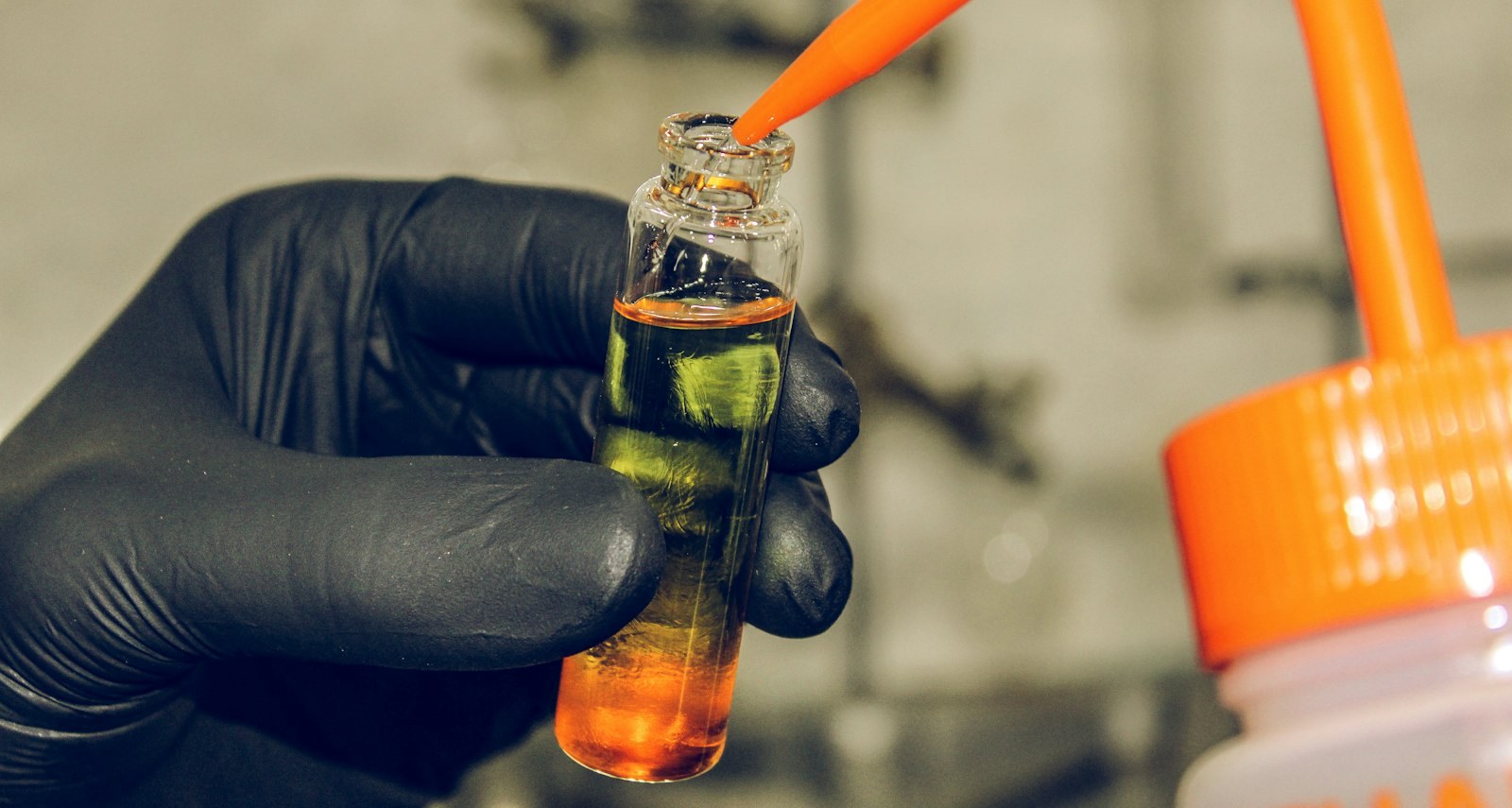
Operations
Pool chemistry essentials: the 6 numbers every tech should know cold
The 6 pool chemistry essentials every tech should know: free chlorine, pH, total alkalinity, calcium hardness, CYA, and TDS. Target ranges and common mistakes.
May 14, 2026 · 12 min read
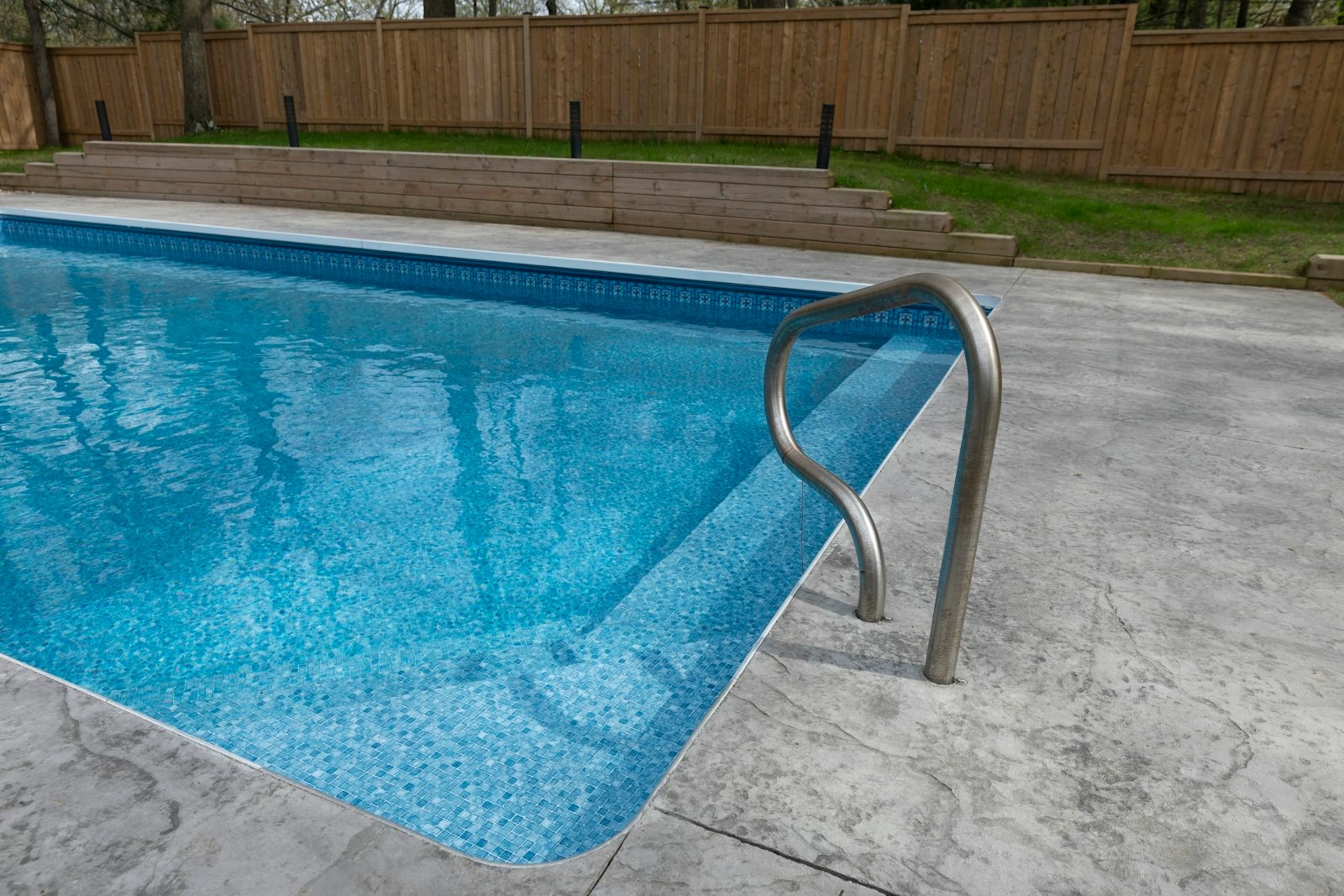
Guides
Saltwater pool maintenance: a service operator guide
A pool service operator guide to saltwater pool maintenance. Chemistry baseline, CYA for salt pools, cell maintenance, pH drift, and how to price salt service.
May 9, 2026 · 11 min read
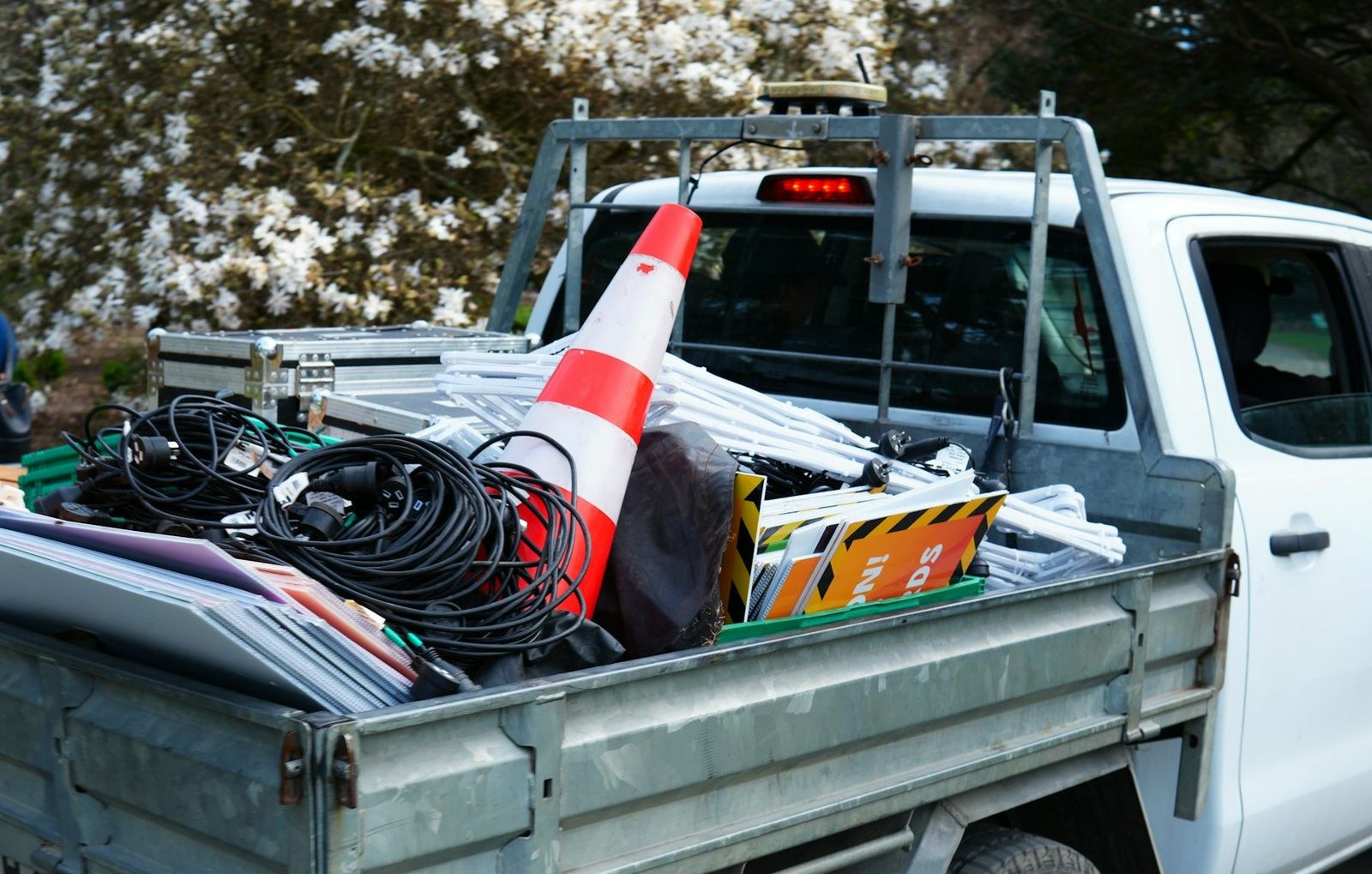
Operations
Pool service truck setup: what to carry on every visit
A pool service truck setup guide. Pickup vs van vs trailer, the tool list, chemical storage, testing kits, and the layout that saves 20 minutes per route day.
May 13, 2026 · 9 min read
More free tools
See all 12 tools
Book a demo.
Give us a little context about your operation. We'll show how PoolStack fits your routes, field team, construction work, and current software.
- 01No generic sales deck
- 02Migration questions answered directly
- 03A clear next step, even if PoolStack is not the fit
Tell us where to reach you.
Six quick fields. Then you will see the available times.