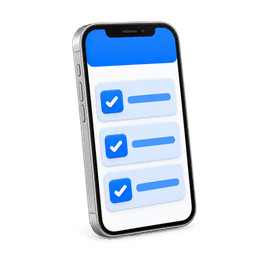
Your tech follows your checklist at every stop: the steps you set, the water test, the chemicals and the photos. Make a step required, or ask for a photo. When the stop is done, the customer gets a service report with the work, the readings and the pictures.
Every reading is checked against its target, and the LSI is worked out for you. The tech gets a suggested dose from the readings, the pool's size and its history, and checks it. The chemicals that go in are logged on the visit, so you see what each pool costs.
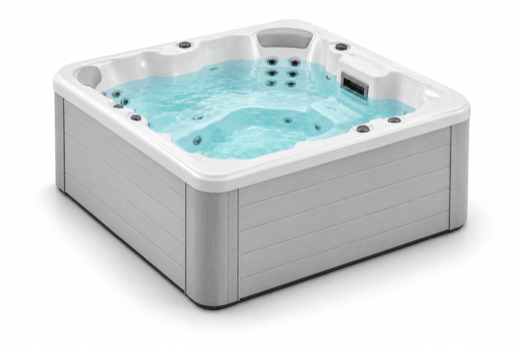
Each body of water keeps its own size, sanitizer, readings and equipment. A customer with a pool, a spa and a fountain is still one account, and one stop can cover all three. Every address a customer has keeps its own pools, spas and gate code.
Set the care each pool needs and how often. When it comes due it goes on the tech's visit, or becomes a job or a quote. An equipment inspection can go on a schedule the same way, and comes due like a filter clean.
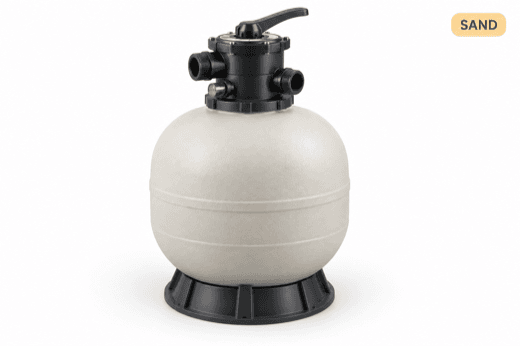
Filter clean, backwash, salt cell clean, or your own
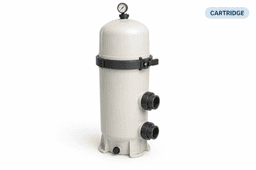
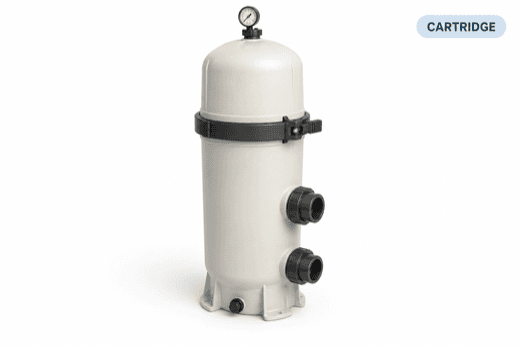
Pump, filter, heater and the rest of the pad, recorded on each pool. When a part fails, you already know the make, the model and whether the warranty still covers it.
Pick how often and which days. The visits land on the route, and the service bills every month. Give each service its own technician and its own price, and pause it when the customer asks.
Every technician's week sits on one board, with the stops, the drive time and the miles for each day. Optimize a day and you see the new order before you apply it. When the day changes, drag a stop to another tech or another day, and the tech's phone updates with it.
The day's stops come up in route order on the phone, with the map and navigation. At the pool, the tech works through your checklist, logs the water test and takes the photos. One tap sends the customer an On my way text.
Recurring service is invoiced on its billing day without anyone typing it up. Pick any day of the month for each service, and Auto Pay charges the saved payment method on that day. Other customers pay online from the link on the invoice, by card or bank.
Price a repair or an add on three ways on one quote: good, better, best. The customer picks one on their phone, and it becomes the job without retyping. Work with no date yet waits in one list until you drag it onto a day and a tech.
Pool service software runs the daily work of a pool service company in one place. It builds the routes and puts the recurring visits on them. It gives each tech a checklist at the pool, records the water readings and the chemicals that went in, and sends the customer a service report. Then it invoices the work and takes the payment. PoolStack does all of that on one record for every pool, with the equipment, the filter cleans and the billing kept beside the visits.
What does the tech do at each stop?
They follow your checklist in the technician app: the steps you set, the water test, the chemicals and the photos. You can make a step required or ask for a photo.
Can one customer have a pool and a spa?
Yes. Each body of water sits on the same account with its own readings, equipment and care. One stop can cover all of them, or each can get its own visit.
Does it track what the chemicals cost?
Yes. The chemicals a tech adds are logged on the visit, and each pool shows its chemical cost over time.
How do filter cleans get scheduled?
Set the care a pool needs and how often. When it comes due it goes on the tech's visit, or becomes a job or a quote.
Is there an app for the techs?
Yes. The technician app is on the App Store and Google Play. It shows the day's stops in route order with the map and navigation, and the tech logs the water test and the photos from it.
How do the routes get built?
Set each recurring service once: how often, which days and which technician. The visits land on the week board on their own. Then optimize a technician's day to put the stops in a shorter driving order. You see the new order before you apply it. See pool route software
Does it handle repairs and work orders?
Yes. A repair is a job here, which is what some software calls a work order. Quote it, and the approved quote becomes the job without retyping. Jobs sit on the same calendar as the weekly visits. Work with no date yet waits in one list until you drag it onto a day and a tech.
Can customers pay online and use Auto Pay?
Yes. Customers pay online from the link on the invoice or in their portal, by card or bank account. For a recurring service, turn on Auto Pay and pick its billing day. On that day the invoice is created and the saved payment method is charged. See pool service billing software
Does PoolStack sync with QuickBooks?
Yes. Customers, paid invoices and their payments go to QuickBooks Online on their own while you are connected.
What does the customer see?
A text when the tech is on the way, and a service report after the stop with the work done, the readings, the chemicals and the photos. In the customer portal they see their visits and invoices, and pay online.
What does the office see?
Office alerts put failed emails, declined Auto Pay, issues from the field and care that is due in one place. The dashboard shows today's routes, open quotes and overdue invoices on one screen. Each pool shows its chemical cost over time.
How is it different from a general field service app?
A general field service app schedules jobs and sends invoices. A pool company also has to manage the water. PoolStack keeps each body of water on the account with its own readings, works out the LSI, logs the chemicals and what they cost, brings filter cleans due on their own, and records the equipment on every pad.
Is it right for a one truck company?
Yes. There is one tier, so a one truck owner gets the whole product: routes, the technician app, water chemistry, invoices and Auto Pay. The price does not go up per pool, per customer or per tech.
How does PoolStack compare with other pool service software?
We keep a side by side page for each of the main ones, and one page that ranks them by the kind of company they fit. Best pool service software compared
How much does pool service software cost?
PoolStack is $79 a month, all access: the whole product in one tier, with a 30 day free trial. Early adopters lock that rate for life. See pricing
Is there a free trial?
Yes. 30 days free, with the whole product. Keep your current software running until you are ready.
Can we move over from our current software?
Yes. We import your customers, routes, service history and chemical readings during the 30 day trial, and you can run both side by side until you are ready. Switching pool service software
Who do we talk to when we need help?
The people who build it. You get a real reply from our team, with no auto responder.
Book a demo.
Give us a little context about your operation. We'll show how PoolStack fits your routes, field team, construction work, and current software.
01No generic sales deck
02Migration questions answered directly
03A clear next step, even if PoolStack is not the fit
Tell us where to reach you.
Six quick fields. Then you will see the available times.